Sign up and be counted!
Summary: Register for this site!
Description
WELCOME Natick Neighbor!
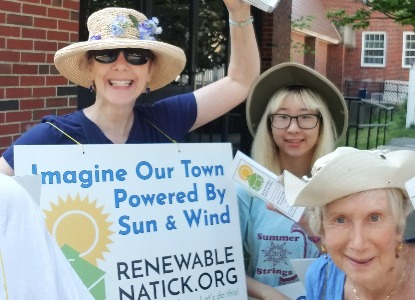
In 2018, the grassroots Renewable Natick campaign put forward a Resolution to move our town to 100% renewable energy by 2050. Natick Town Meeting passed this measure by an overwhelming majority.
How will we get there? And what other things can we do to make living here sustainable as we adapt to a warming world? This website offers many ideas!
Our "Eco-score" goal is to see 3,000 Natick households take 6,000 climate actions in 2022. Help us reach this goal - SIGN UP (no password needed) and log your actions. You'll find the easy instructions under the "Steps to Take" tab above. See the "Deep Dive" tab for all the ways you can use this website!
Then watch our "Eco-score" grow as we post updates on the Home page!
Deep Dive
When you create an EcoNatick account, you can:
Share the impact of what you've done: Click on the "Done" button of the actions you have already taken, and see the impact through our peer-reviewed carbon calculator.
Check your personal impact score - Under the green button with your nickname, select "Profile."
Be counted toward our "eco-score"- Every action you report counts toward our community goal.
Create a To Do list - Click the "To Do" button on the actions that interest you.
Share testimonials and stories - Educate and motivate others!
Join a team (coming soon!) - The moment you join a team, your score is added to that team.
Create your own team - (coming soon!) Any group can be a team: your softball team, your class at school, your congregation...
We do not share your personal information with anyone without your express permission (more information on the MassEnergize Privacy Policy and Terms of Service Policy, at the bottom of this page). We may send you an occasional newsletter - you can unsubscribe anytime.
Steps to Take
How to SIGN UP:
- Click on the green "Sign In" button at the top right.
- In the next box enter your email address (you don't need a password, but you can create one if desired). OR you can sign in with Google or Facebook.
- You will be sent a confirmation email. Don't see it? It's probably in your spam folder.
- Click on the link in the email: it will send you to a page where you can enter some basic information (name, nickname, email, household zipcode). Then click "Finish creating profile."
- Click the "Sign In" at the top right again, and use your login to sign in.